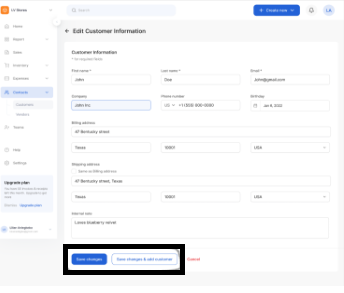
Edit Clients
Editing your customer allows you to update customer information. To do this,
- Click Customers from the menu bar
- Click the three dots on the client you want to edit to access the drop-down menu
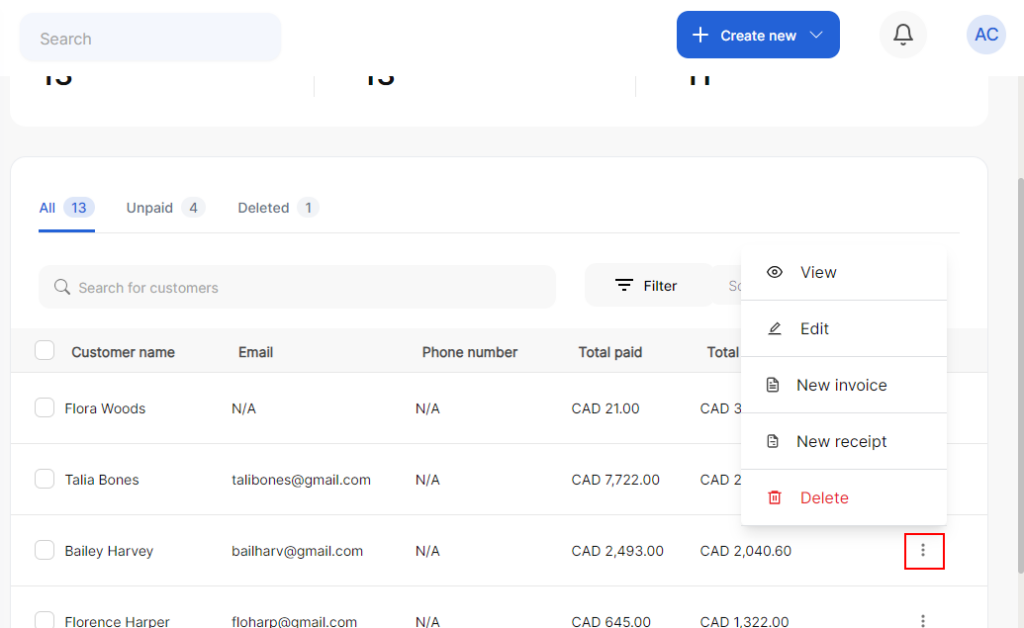
4. Click edit from the drop-down
5. Update the fields with the relevant information
6. Click Save changes or Save changes & add a new customer